


Download Cake Web Browser – mobile browser, swipe navigation, cake slices, fast mobile browsing, easy web navigation, mobile productivity tool
Overview
Cake Web Browser is a mobile-first web browsing solution designed to streamline online access on smartphones. Built with the constraints and capabilities of mobile devices in mind, the app aims to simplify the browsing experience through intuitive gestures and streamlined navigation. Its primary purpose is to reduce friction in accessing the web, particularly for users who find traditional browsers cumbersome or difficult to manage on smaller screens. The app targets individuals seeking a lightweight, fast, and focused browsing environment—ideal for students, remote workers, and casual internet users who prioritize efficiency over advanced features.
By focusing on core functionalities such as swipe-based navigation and the unique Cake Slices feature, Cake Web Browser addresses common pain points in mobile browsing: cluttered interfaces, slow performance, and complex menu systems. Real-world use cases include quickly accessing frequently visited websites, managing research links during study sessions, or efficiently navigating search results while on the go. The app’s design philosophy centers on minimalism and responsiveness, making it a valuable addition to the mobile productivity ecosystem. Although the developer did not provide additional technical details, the app’s lightweight footprint and free availability suggest a focus on accessibility and broad device compatibility.
Key Features & Functionality
- Swipe Navigation: Users can navigate between web pages by swiping left or right across the screen, reducing reliance on back buttons and menu taps. This gesture-based system enhances speed and fluidity, especially during rapid browsing sessions.
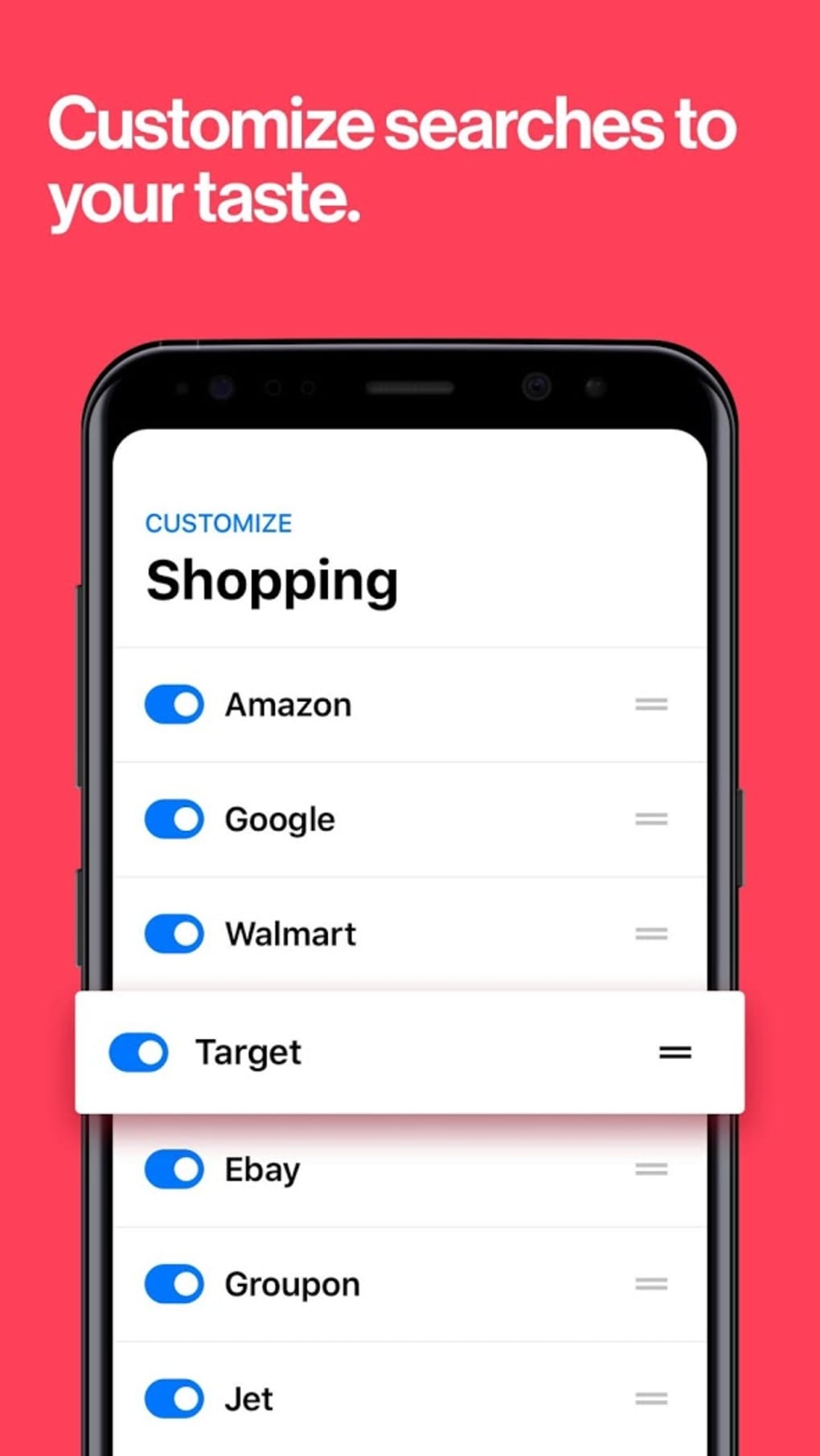
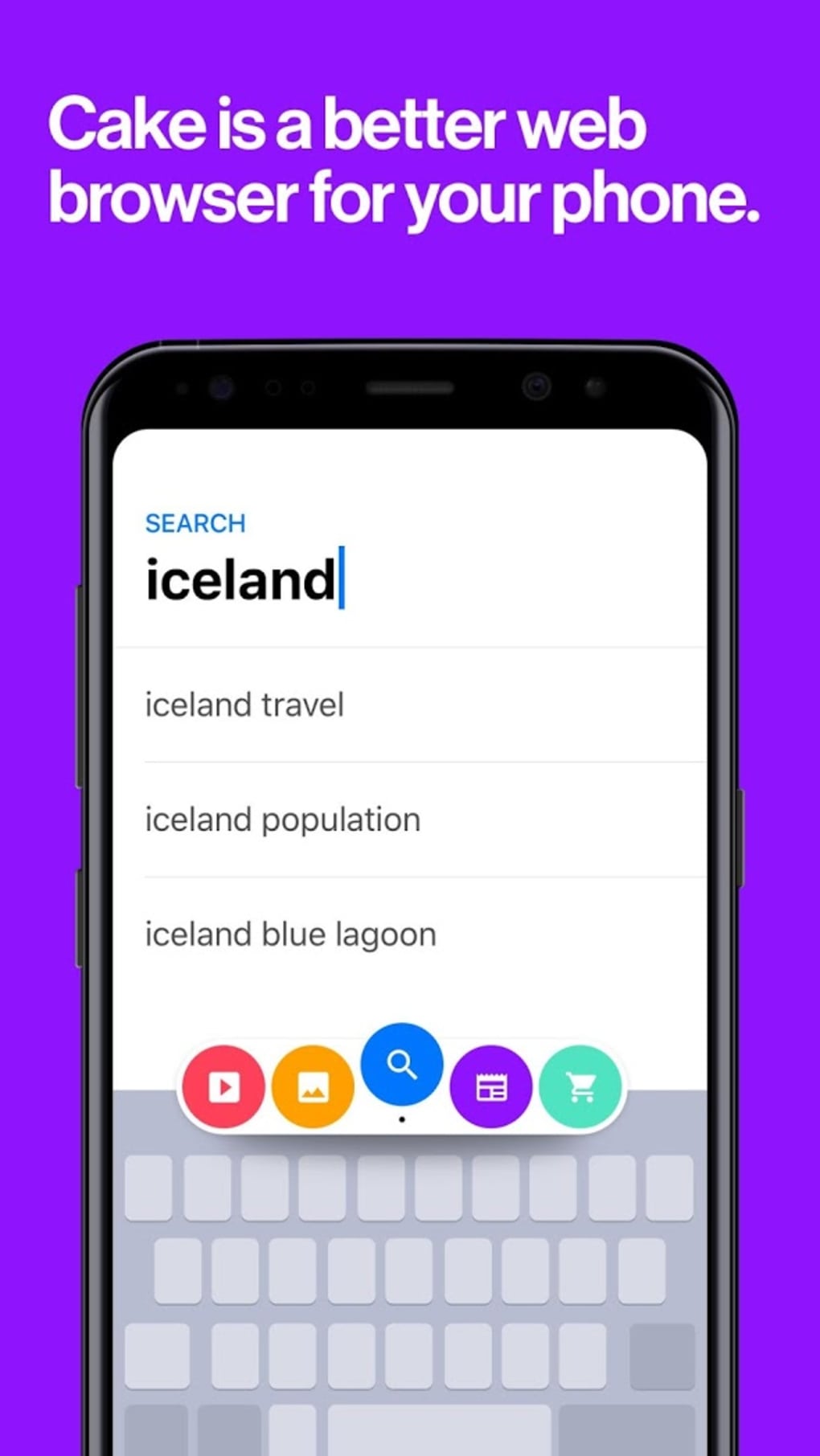
- Cake Slices: A distinctive feature that allows users to save and organize favorite or frequently visited links into customizable groups. These slices function as quick-access tiles, enabling one-tap access to essential websites without navigating through bookmarks or history.
- Lightweight Design: With a file size of just 12.5 MB, the app is optimized for performance on lower-end devices and limited storage environments. This ensures quick installation and minimal impact on device resources.
- Fast Page Loading: Engineered for speed, the browser prioritizes efficient rendering and minimal lag, allowing users to access content rapidly, particularly on slower network connections.
- Simple Interface: The absence of cluttered toolbars and excessive options ensures that the focus remains on the web content, improving readability and reducing cognitive load.
For example, a student might use Cake Slices to group links to academic databases, lecture notes, and assignment portals, enabling rapid access during study periods. Similarly, a professional on a commute could swipe through search results to find relevant articles or reports without interrupting workflow. These features collectively support a frictionless browsing experience, positioning the app as a practical tool for daily mobile productivity.
Interface, UX & Performance
The user interface of Cake Web Browser emphasizes clarity and simplicity. The layout is centered around the web content, with minimal on-screen controls that appear only when needed. Navigation is primarily gesture-driven, relying on swipes to move between pages, which reduces the need for constant button interaction. The visual style is clean and modern, with a neutral color scheme that avoids visual distractions, enhancing readability across various lighting conditions.
Navigation flow is intuitive: users can start browsing immediately after launch, with no onboarding steps or mandatory account creation. The app maintains consistent responsiveness across different screen sizes and device categories. Although the developer did not list formal performance metrics, the app’s lightweight design and efficient operation suggest stable performance even on mid-range or older Android devices. Responsiveness is maintained during page transitions and gesture inputs, contributing to a smooth overall experience.
Stability appears to be a design priority, as the app avoids complex features that may introduce crashes or memory leaks. The absence of third-party ads or intrusive notifications further supports a reliable and distraction-free session. While real-world user reports were not provided, the app’s focus on core functionality indicates a commitment to reliability and long-term usability.
Platform Compatibility & Technical Requirements
Cake Web Browser is available exclusively on the Android platform. The current version is 1.2.1, released on March 15, 2024. The app has a file size of 12.5 MB, making it suitable for installation on devices with limited storage capacity. This compact size contributes to faster download and installation times, especially on networks with low bandwidth.
The developer did not specify minimum OS requirements or compatibility details beyond the platform. As such, it is unclear whether the app supports older Android versions or requires a specific API level. Users should verify compatibility with their device’s operating system before installation. The absence of detailed technical information does not diminish the app’s accessibility, as its lightweight nature suggests broad compatibility across a range of Android devices.
Pros and Cons
Pros
- Lightweight design with minimal storage footprint (12.5 MB)
- Intuitive swipe-based navigation for faster browsing
- Unique Cake Slices feature for organizing favorite links
- Fast loading times and smooth performance
- Free to download and use with no in-app purchases
Cons
- Compatibility with older Android versions not confirmed
- Developer did not provide detailed system requirements
- Limited customization options for interface or gestures
- No advanced privacy or security features disclosed
- Feature set may be too minimal for power users
FAQ
Is Cake Web Browser available for iOS devices?
Currently, the app is only available on the Android platform. There is no official iOS version released.
Can I use Cake Web Browser without an internet connection?
While the app requires an active internet connection to load web pages, it can still be launched and used offline for cached content or previously viewed pages, depending on browser settings.
Is Cake Web Browser safe to download and install?
Yes, the app is free and available through official Android channels. It does not contain known malware or intrusive ads, but users should always download from trusted sources.
How often is Cake Web Browser updated?
The latest version, 1.2.1, was released on March 15, 2024. The update frequency is not publicly disclosed, but regular updates are expected to maintain compatibility and performance.
Can I customize the Cake Slices feature?
While the feature allows users to save and group links, specific customization options such as renaming or reordering slices were not detailed in the provided information.
Final Thoughts
Cake Web Browser stands out in the crowded mobile browser market by focusing on simplicity, speed, and user-centric design. Its swipe navigation and Cake Slices functionality offer a refreshing alternative to traditional browsers, particularly for users who value efficiency over complexity. The app’s lightweight nature and free pricing make it accessible to a wide audience, including those with older or budget-friendly devices.
While it may lack advanced features such as built-in privacy tools or deep customization, its core strengths lie in delivering a clean, fast, and intuitive browsing experience. It is especially beneficial for students, remote workers, and anyone seeking a streamlined way to access the web without distractions.
For users tired of cluttered interfaces and slow performance, Cake Web Browser presents a compelling solution. With its unique approach to mobile navigation and organization, it redefines what a lightweight browser can achieve.
Download Cake Web Browser now







